


The presentation software par excellence
Microsoft Office is the favorite office suite for millions of PC users all over the world. Its different applications are suitable for working both in the professional, domestic, and academic fields. Among the latter, we can find tools of the likes of Word or Excel, but we can't forget to download Microsoft PowerPoint for PC, the program included in the suite that we can use to create multimedia presentations.
The best platform to display data, projects, and ideas
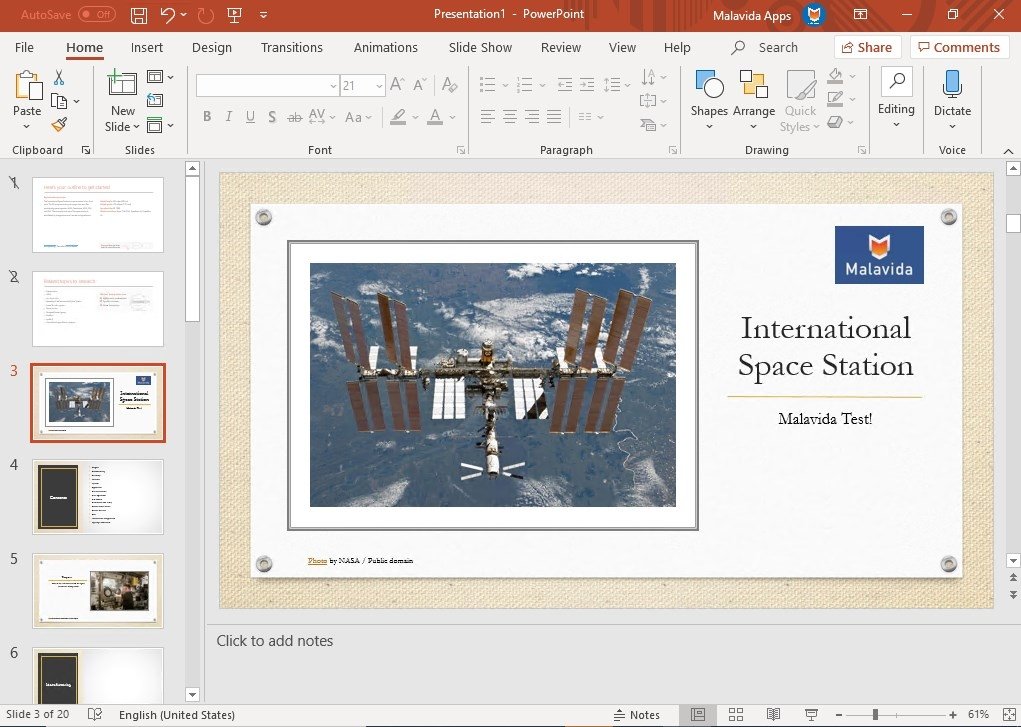
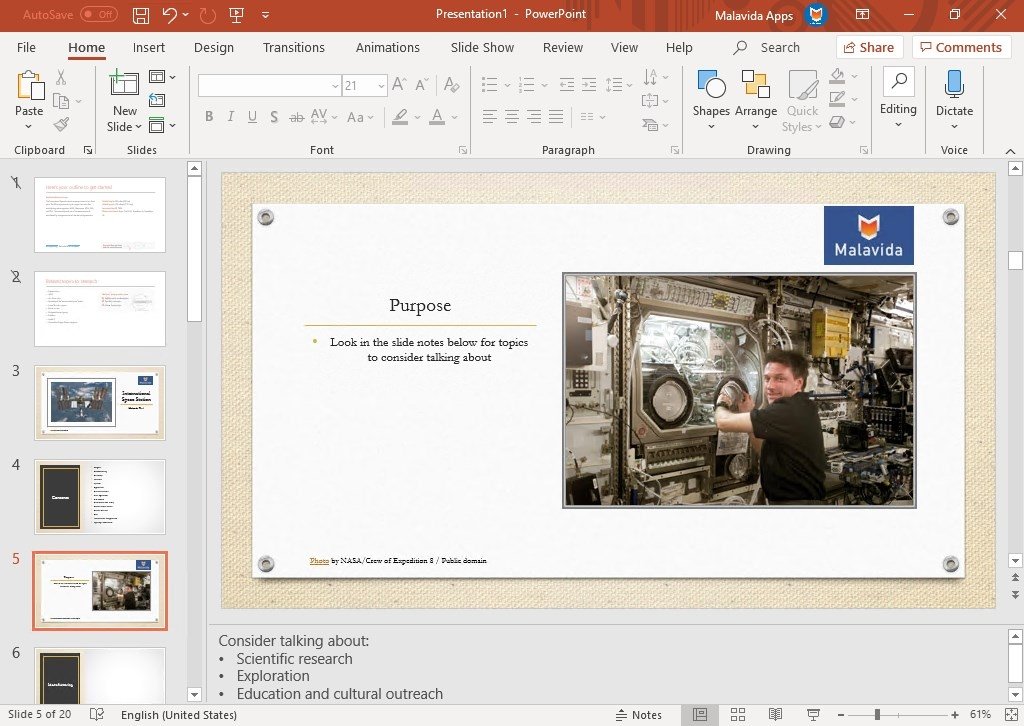
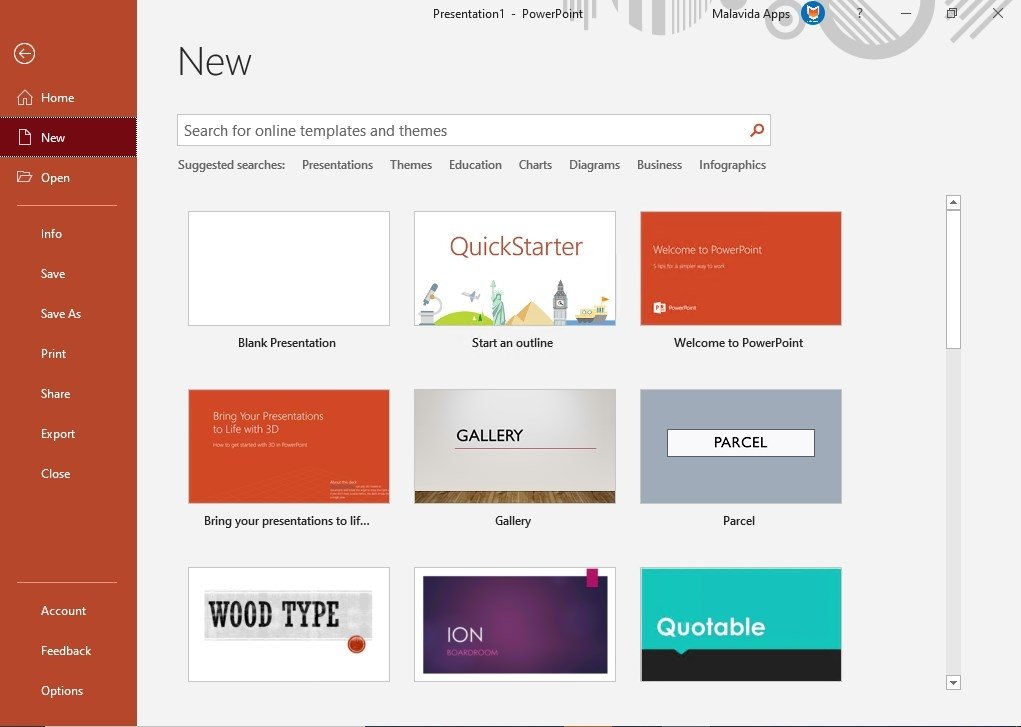
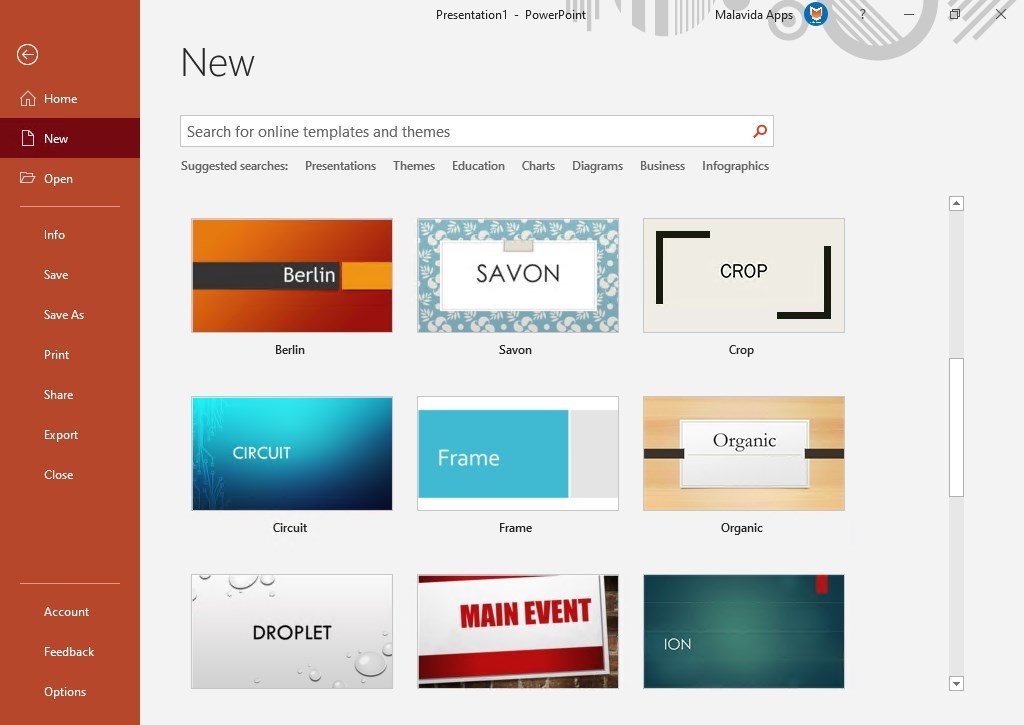
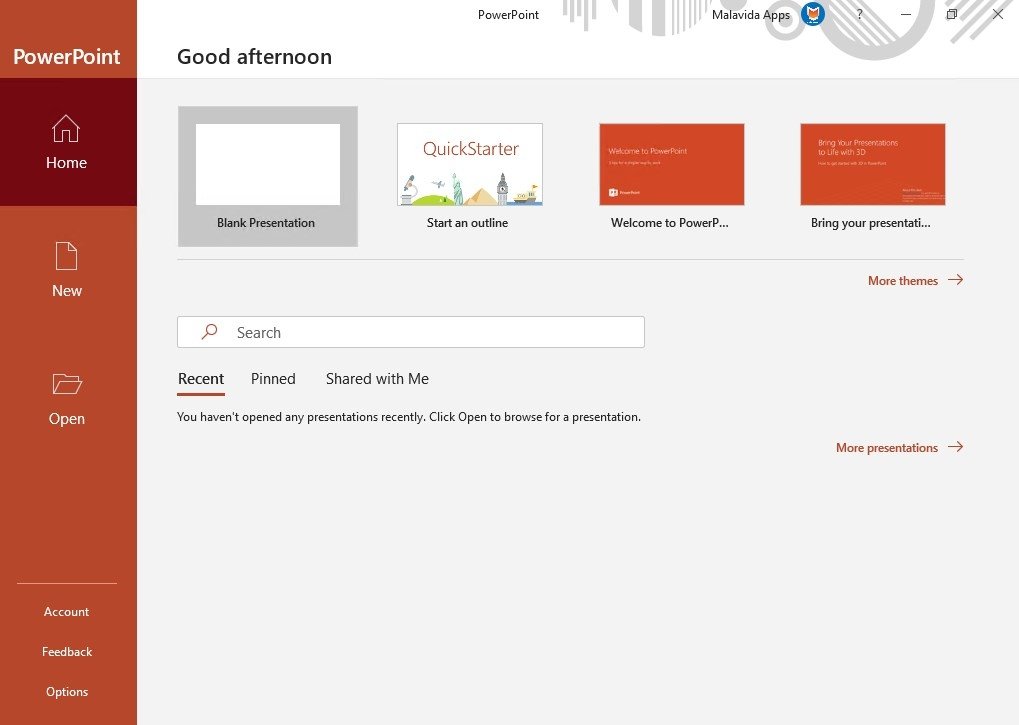
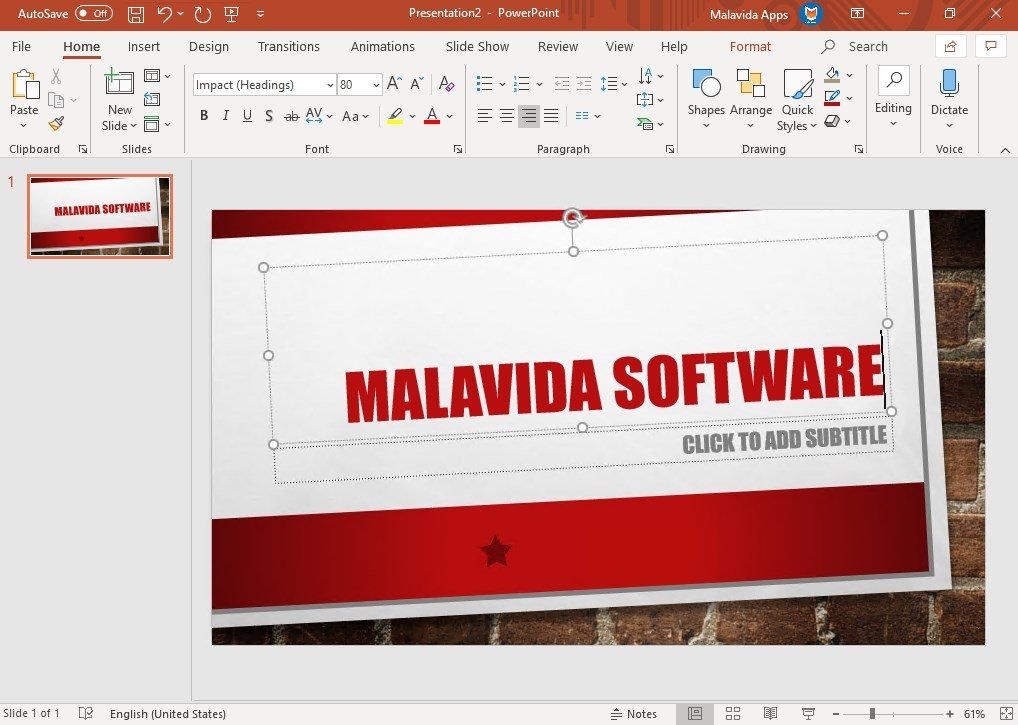
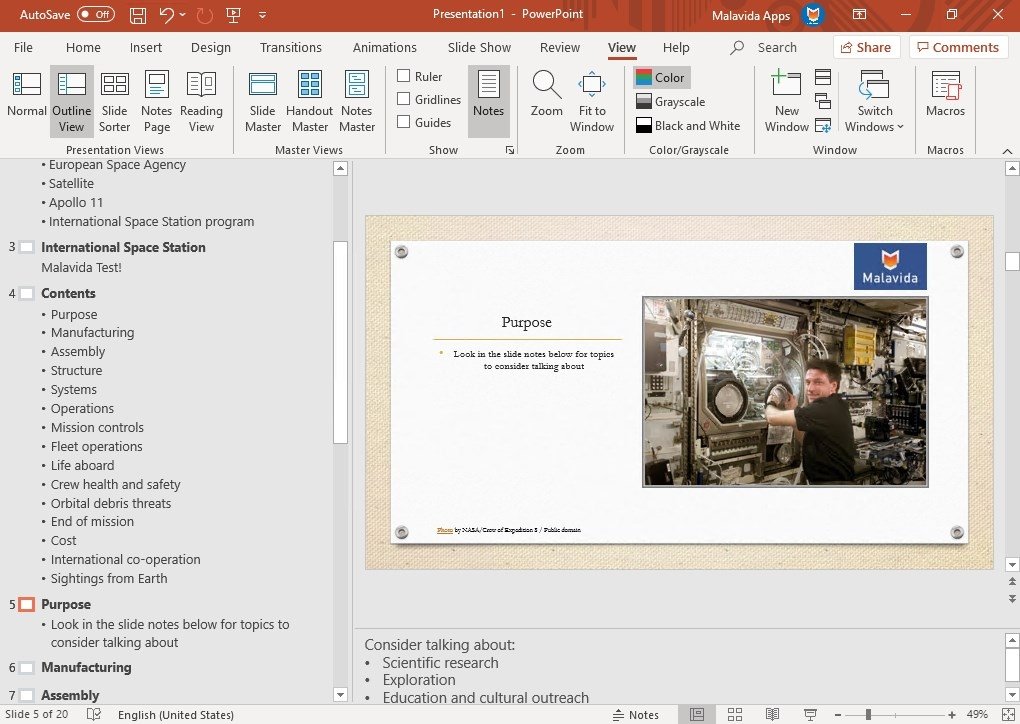
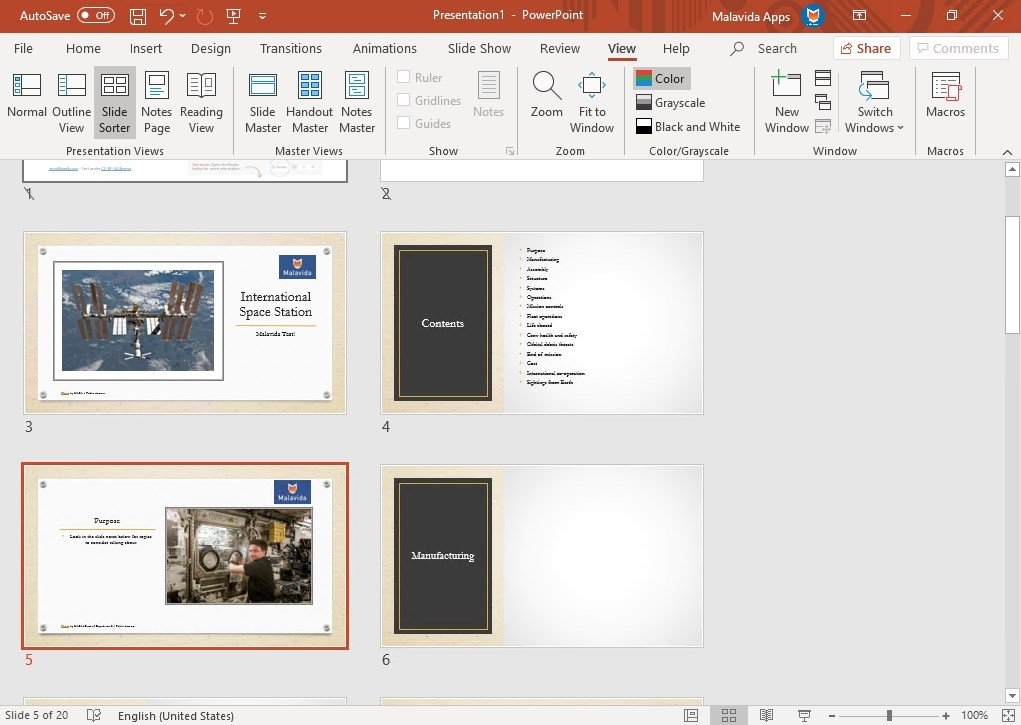
Once you download Microsoft PowerPoint for PC, you'll have all the functions you need to create presentations using slides. Functions that aren't limited to offering a result that includes just text and images, but that also provide support for other elements such as audio and video. All the latter, starting off from scratch or using preset templates included in the program itself.
Create presentations in an intuitive manner.
The method to generate the presentations isn't at all complicated: from the very beginning the user has total freedom to display his contents and as he advances he'll be able to include different elements to enrich the slideshows.
Main features of Microsoft PowerPoint 2019
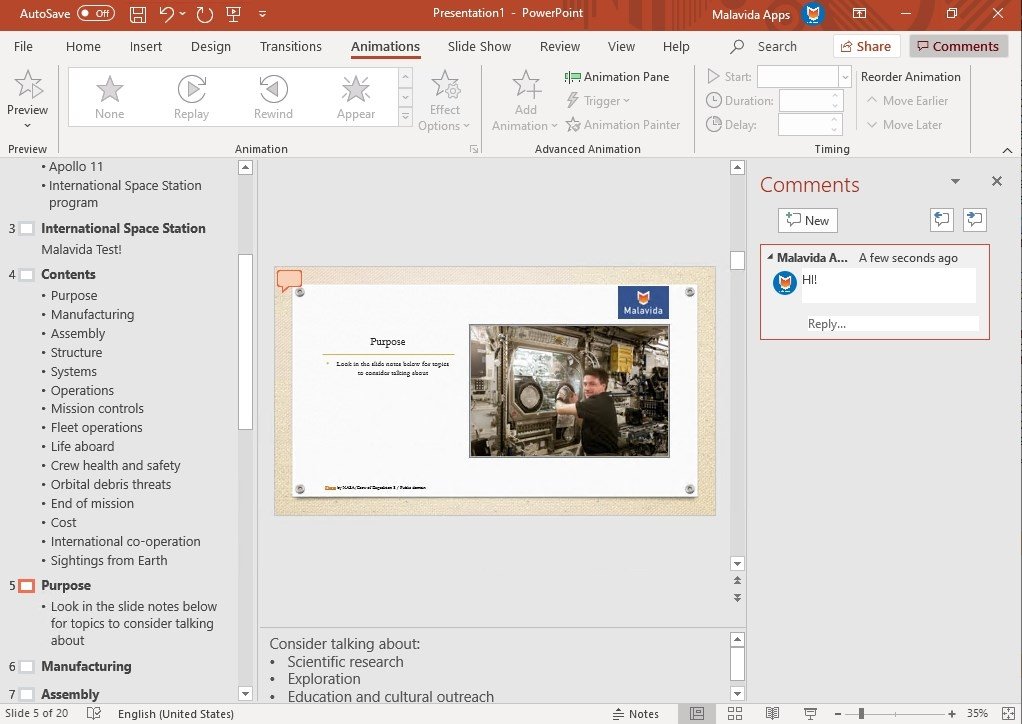
One of its latest updates has definitely become one of its most noteworthy functions. We're talking about the possibility to synchronize our work with other project-mates thanks to the fact that we can work straight on the cloud. Thus, it encourages collaborative work and all the members of a team can modify different aspects of the same document and keep up with all the changes. But we can also find other features such as the following:
- An editor that allows the insertion of text and its formatting.
- Tools to insert images and graphics and modify them.
- Different themes with panoramic variations.
- Different color schemes.
- Compact colorful-style toolbar.
- Alignment guides to enhance texts.
- Tools to combine shapes.
- Transformation effect to give the presentation a fluid movement with just one click.
- Possibility to use it on second screens.
- A wide range of templates and preset slides to choose from.
It's an application that can be used in any situation: to create presentations for work or to generate funny emails.
Its different tools have been conceived so that any user can swiftly create designs without requiring advanced knowledge. You can obtain almost professional results once you've spent some time using it.
Despite the competition, it's still an all-time favorite
Its features have turned into the number-one presentations program. It doesn't matter if there are some great free alternatives out there like OpenOffice's Impress or Prezi, that can be used online without needing to download anything; it's still a reference and its PPT format is compatible with any other alternative.
What's new in the latest version
- Microsoft hasn't announced the changes made in this version.
Requirements and additional information:
- Minimum operating system requirements: Windows 7.
 Antony Peel
A Telecommunications Engineer, chance led me to the translation industry, where after a few years, I discovered another side of the world of technology while translating what others were writing about mobile applications and software. That...
Microsoft PowerPoint Tips & Tricks